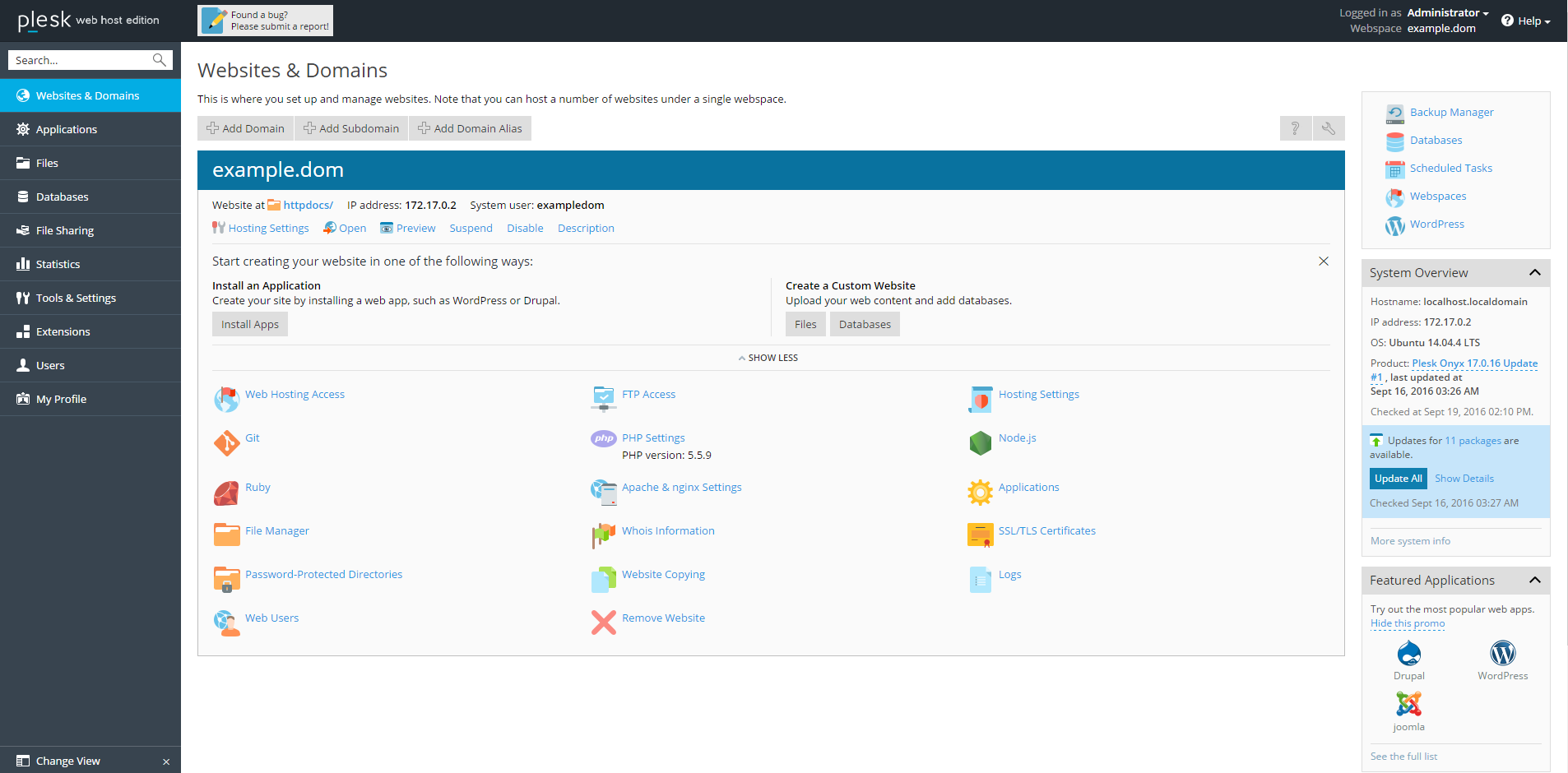
After the migration is performed between two Plesk servers using Plesk Migrator, on the target server in Domains > example.com > DNS Settings, IP address of the source server is present.
Resolution
- Log into Plesk on the target server.
- Go to Tools & Settings > IP Addresses > 192.0.2.2.
- Set the option Public IP address to the public IP address of the source server.
- After the operation is completed, set the option Public IP address back to the public IP address of the target server.
- If there are multiple IP addresses on the source server, repeat steps 2-4 for each public IP address of the source server.